How to install
Watch the one-minute video, then follow the same steps on your phone.
Step by step
Prefer reading? Here is every screen you'll see, with the button to tap highlighted.
-
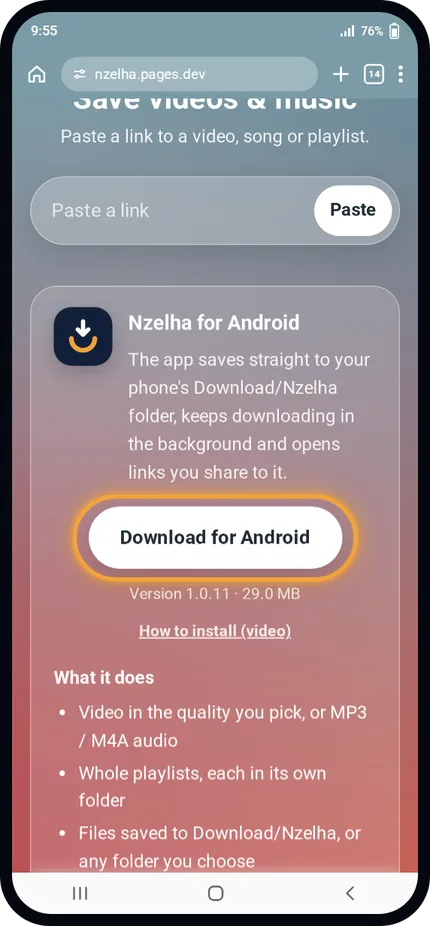
1
Open nzelha.pages.dev and tap Download for Android.
The app file is about 30 MB.
-
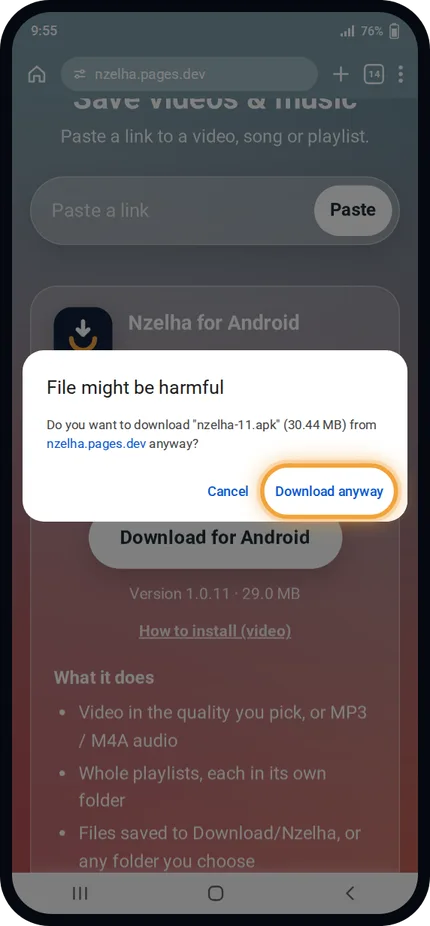
2
Chrome shows this warning for every APK file. Tap Download anyway.
The file comes straight from the Nzelha website.
-
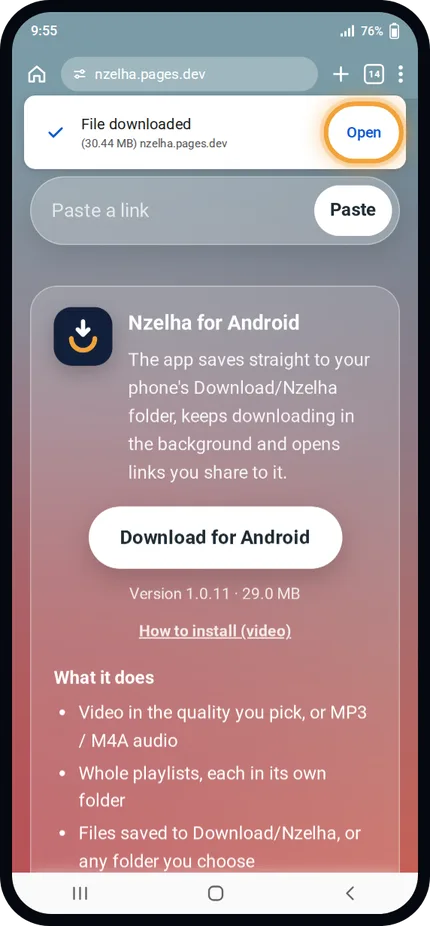
3
When the download finishes, tap Open.
You can also open it from your notifications.
-
4
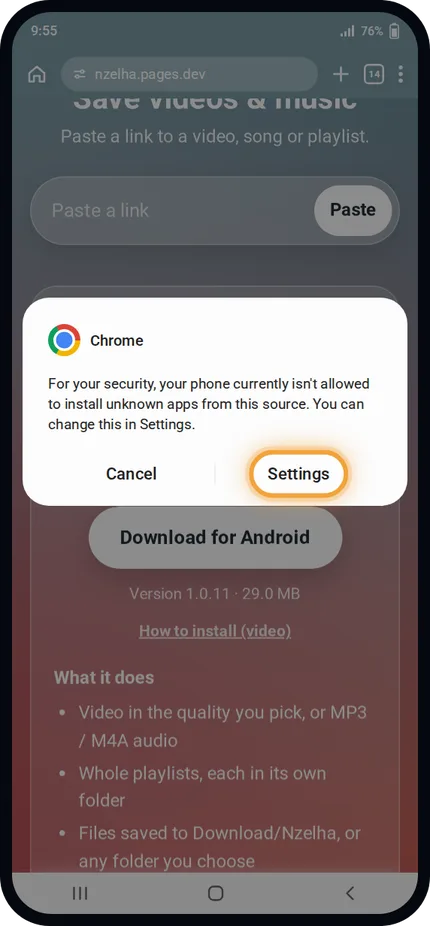
First time only: Android asks for permission. Tap Settings.
This lets your browser install apps.
-
5
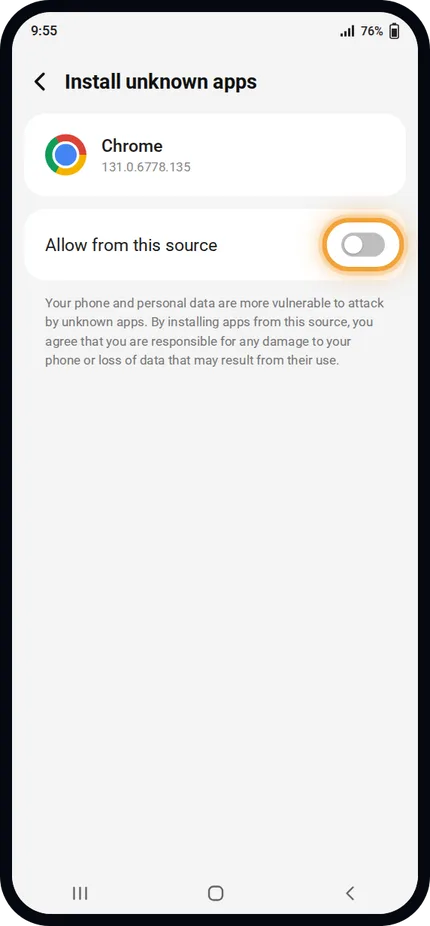
Turn on Allow from this source, then go back.
You only do this once.
-
6
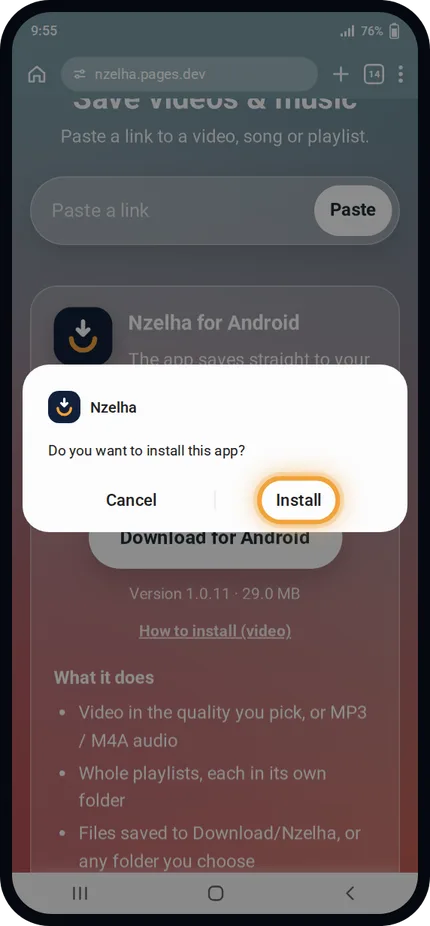
Tap Install.
Installing takes a few seconds.
-
7
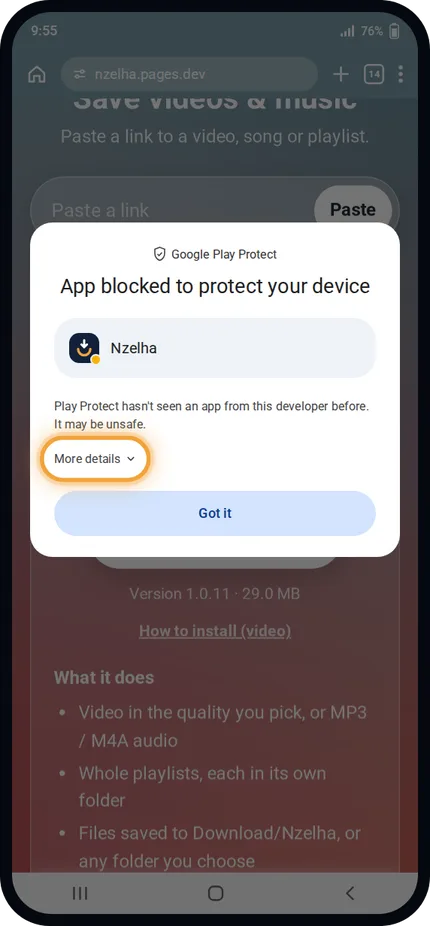
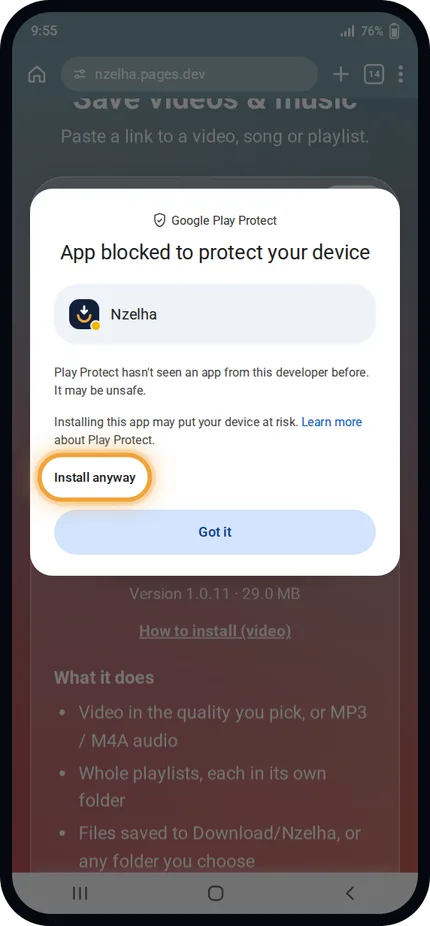
If Play Protect blocks it, tap More details.
Nzelha isn't on Google Play, so Play Protect doesn't know it yet.
-
8
Then tap Install anyway.
The installation finishes.
-
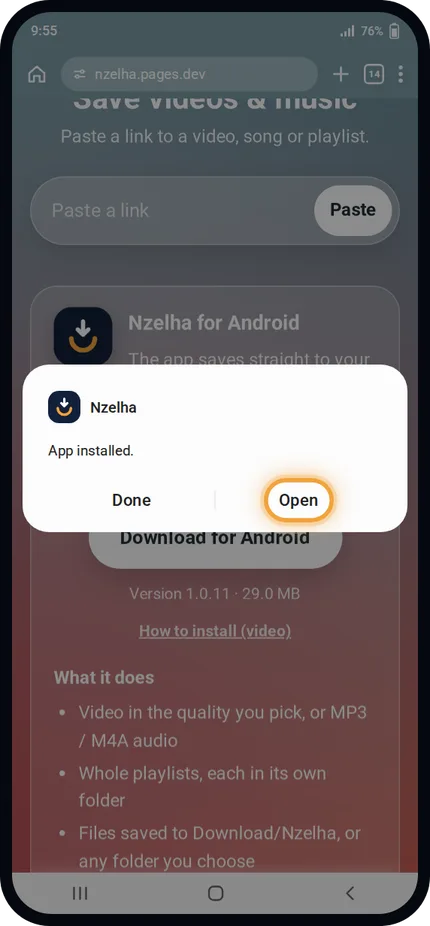
9
Done! Tap Open and start saving videos.
New versions update from inside the app.